
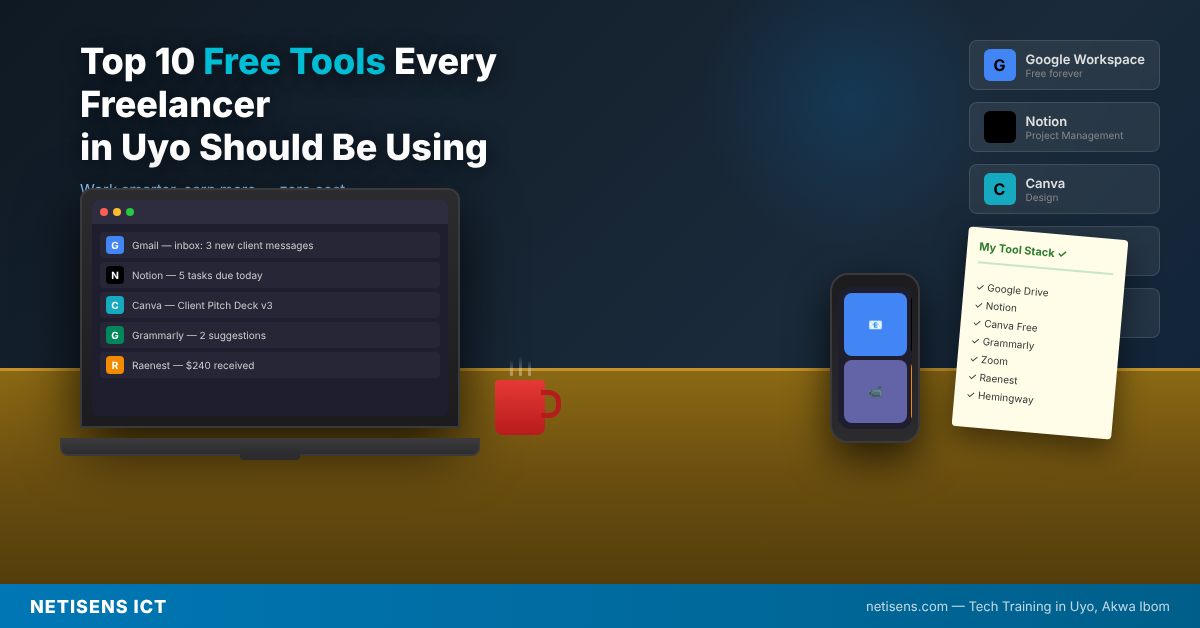
The best free tools for freelancers in Uyo, Nigeria are not just apps you download and forget. They are the infrastructure that separates a professional who earns consistently from someone who is still figuring things out. Whether you are a virtual assistant, a digital marketer, a web developer, or a content creator, these ten tools will help you work faster, communicate better, and get paid reliably. And none of them will cost you a kobo.
Here is what each tool does, what it costs, and where it falls short.
1. Notion—Task and Project Management
Notion is an all-in-one workspace that replaces separate note apps, project boards, and client trackers. You can manage deadlines, write briefs, build client databases, and keep your entire freelance operation in one place.
- Pricing: Free for individuals. Paid plans start at $10/month for Plus
- Best for: Virtual assistants, content writers, and project managers juggling multiple clients
- Pros: Highly customizable, powerful database features, works on all devices, great free tier
- Cons: The learning curve is steep. New users often feel overwhelmed by the number of options before finding a setup that works
2. Trello — Visual Project Tracking
Trello uses boards, lists, and cards to give you a visual snapshot of every active project. Unlike Notion, it requires almost no setup. You can be productive within minutes of signing up.
- Pricing: Free. The standard plan is $5/user/month. Premium is $10/user/month
- Best for: Freelancers managing fewer clients who want simplicity over depth
- Pros: Extremely easy to use, drag-and-drop interface, solid free plan with unlimited cards
- Cons: Limited reporting and automation on the free plan. Gets messy as your project count grows
3. Slack — Professional Client Communication
Slack is the communication standard for remote teams and international clients. If your international client uses Slack and you are still sending emails back and forth, you appear behind. Most US and UK companies default to Slack for all team communication.
- Pricing: Free. The pro plan is $7.25/month. Business+ is $12.50/month
- Best for: Freelancers embedded in client teams or working on ongoing retainers
- Pros: Channels keep communication organized, real-time messaging, and integration with almost every tool
- Cons: Free plan only shows 90 days of message history. If you need to find an old client brief, it will be gone
4. Zoom — Video Calls and Client Meetings
Zoom remains the most widely used video call platform for international business. Google Meet is common too, but when a client says, “Let us jump on a call,” they usually mean Zoom. If you need a professional backdrop for your calls, the Netisens ICT coworking space in Uyo provides a clean, quiet environment from N2,000 per day.
- Pricing: The free plan allows 40-minute meetings with up to 100 participants. The pro plan is $13.32/month
- Best for: Client onboarding calls, discovery sessions, and project check-ins
- Pros: Reliable, universally accepted, good recording features on the paid plan
- Cons: The 40-minute limit on the free plan cuts off longer strategy calls. You must start a new meeting or upgrade
5. Canva — Visual Design for Non-Designers
Canva‘s free plan lets you create social media graphics, proposals, presentations, and client reports that look professionally designed. For digital marketers and content creators in Uyo, Canva is non-negotiable.
- Pricing: Free. Canva Pro is $15/month or $120/year with access to premium elements, backgrounds, and the Brand Kit
- Best for: Content creators, social media managers, and anyone who needs to deliver visual deliverables
- Pros: Enormous template library, works in browser with no installation, easy to share designs with clients
- Cons: Many of the best templates and elements are Pro-only. You will notice the wall quickly if you use it heavily
6. Grammarly — Writing and Editing
Grammarly‘s free version catches grammar errors, improves sentence clarity, and makes your client emails and deliverables read professionally. This matters more than most freelancers realize. A single grammar error in a proposal can cost you the job.
- Pricing: Free. Premium is $12/month. Business is $15/member/month
- Best for: Any freelancer communicating or delivering work in English
- Pros: Works directly in your browser, catches mistakes in real time, integrates with Google Docs and Gmail
- Cons: Tone and clarity suggestions are behind the Premium paywall. The free version is useful but not complete
7. Google Workspace — Documents, Sheets, and Cloud Storage
Google Workspace (Gmail, Docs, Sheets, Drive, and Meet) is entirely free with a Google account. Most international clients share briefs, contracts, and feedback through Google Docs and Sheets. If you are not fluent in these tools, you will slow down the work.
- Pricing: Free with 15GB storage. Business Starter is $6/user/month with 30 GB per user
- Best for: Every freelancer and remote worker in Nigeria. This is not optional
- Pros: Universal, real-time collaboration, works in a browser, syncs everywhere
- Cons: 15GB fills up fast if you work with large video or image files. Paid storage through Google One starts at $2.99/month
8. Clockify — Time Tracking and Billable Hours
Clockify is the most generous free time tracking tool available. It logs exactly how many hours you spend on each client and project, which is essential if you charge by the hour and helps you identify where your time actually goes.
- Pricing: Free with unlimited users and projects. The basic plan is $3.99/user/month for extra features
- Best for: Freelancers on hourly contracts or anyone trying to understand their true hourly output
- Pros: Completely free for core use, works on all platforms, generates simple reports for client billing
- Cons: The interface feels dated compared to newer tools. Reporting features for multiple clients are limited on the free plan
9. ChatGPT — AI Research and Writing Assistance
ChatGPT’s free version is one of the highest-leverage productivity tools available to any freelancer right now. Use it for research, drafting email responses, outlining content, generating ideas, and speeding up any repetitive writing task. If you want to build full client-facing AI workflows, the AI Automation course at Netisens ICT in Uyo teaches you how to do exactly that.
- Pricing: Free with limited access to GPT-4o. Plus, the plan is $20/month for priority access and higher limits
- Best for: Content writers, VAs, marketers, and anyone whose work involves research or text production
- Pros: Dramatically speeds up research and first-draft work, available 24/7, and improves with specific prompting
- Cons: Free tier gets slow during peak hours. It makes confident errors, so every output must be fact-checked before sending to a client
10. Raenest—Receiving International Payments
Raenest is currently the most cost-effective payment platform for Nigerian freelancers who earn from international clients. It gives you a USD, GBP, and EUR account number you can use to receive payments directly from Upwork, Fiverr, and international clients. The fees are significantly lower than older alternatives, which means more of your dollar earnings actually land in your Nigerian bank account.
- Pricing: Free to sign up. No annual inactivity fee. Withdrawal fees to Nigerian bank accounts are lower than most competing platforms
- Best for: Nigerian freelancers earning in dollars, pounds, or euros who want to keep more of what they make on every transfer
- Pros: Low fees, fast withdrawals to Nigerian banks, US and UK account details available, growing acceptance among platforms and clients
- Cons: Newer than Payoneer, so some older international clients may not be familiar with it. Always confirm your account details with the client before their first transfer
Which Tools Should You Start With Today?
If you are just getting started, do not try to set up all ten tools at once. Start with these five and add the others as your client workload grows:
- Google Workspace: Gmail, Docs, and Drive are the foundation of everything else
- Grammarly: Install it in your browser today before you write another client email
- Notion or Trello: Pick one and manage all your active projects in it
- Zoom: Create a free account before your first client call, not during it
- Raenest: Set up your dollar account before you need it, not after your first invoice is sitting with nowhere to go
Also worth having before you start applying: a portfolio site. Contra gives every freelancer a free profile page that functions as a simple portfolio. For a more complete site, Carrd (free for one-page sites) and Canva websites are both fast to set up and professional enough for international clients.
Once you are earning consistently, add Clockify, Slack, Canva, and ChatGPT. For the skills that make you worth hiring in the first place, Netisens ICT in Uyo offers hands-on 6-month courses in Virtual Assistance, Digital Marketing, Web Development, and AI Automation.
Chat with Netisens ICT on WhatsApp | Send an Email | View All Courses
Frequently Asked Questions
What tools do Nigerian freelancers use to get paid in dollars?
The most practical payment platforms for Nigerian freelancers right now are Raenest, Grey, and Wise. Raenest offers low fees and fast withdrawals to Nigerian banks, making it the top choice for everyday dollar income. Grey is strong for exchange rates. Wise works best for receiving direct bank transfers from international clients who wire money directly.
Can I work remotely as a freelancer in Uyo without fast internet at home?
Yes. If your home internet is unreliable, the Netisens ICT coworking space at 133 Atiku Abubakar Way, Uyo, provides high-speed internet, stable power, and a professional environment for N2,000 per day. Many freelancers in Uyo use coworking spaces as their primary workspace. Read: Best Coworking Spaces and Tech Hubs in Uyo for Freelancers
Is Canva free enough or do I need to pay for Canva Pro?
For most freelancers starting out, the free version of Canva is enough. You have access to thousands of templates, images, and design elements. The Pro version becomes worth it once you are delivering social media management or content creation services at volume, because you can create a Brand Kit for each client and access premium elements.
What is better for remote work communication, Slack or WhatsApp?
WhatsApp is fine for Nigerian clients and casual communication. For international clients, especially those in the US, UK, or Europe, Slack is the professional standard. If your client invites you to their Slack workspace, use it. Do not suggest migrating to WhatsApp. Doing so signals that you are not familiar with how professional remote teams work.
Also read: 7 Best Platforms to Find Remote Work and Freelance Jobs From Uyo | Remote Work in Nigeria: Tech Skills to Work From Home and Earn in Dollars | How to Make Money Online in Nigeria as a Tech Beginner
